Romeo Software
Selasa, 24 Mei 2016
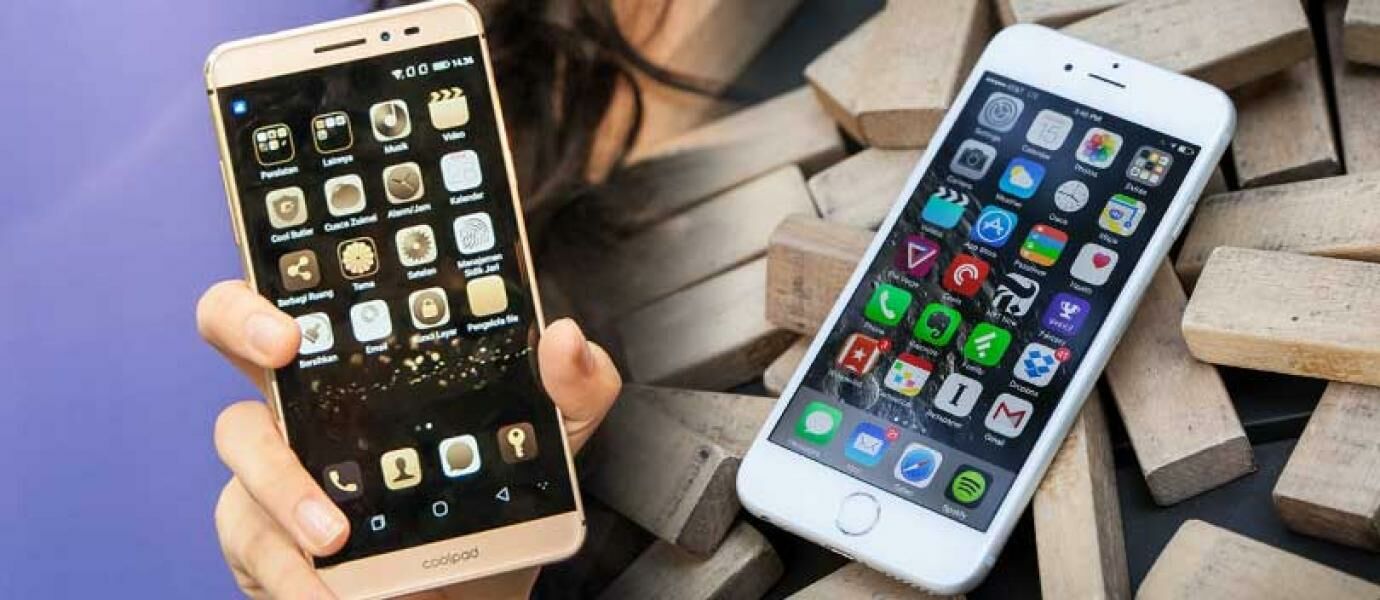
New Buy Smartphone? MANDATORY So You Do 10 Things It
Setelah menabung berbulan-bulan, akhirnya
kesampean juga beli smartphone baru. Apalagi jika smartphone itu adalah
tipe terbaru yang sedang ramai diperbincangkan. Wajar jika kamu jadi
pengen buru-buru membongkar dan menggunakannya.
Tapi sebelum
menginstal banyak aplikasi dan menggunakannya untuk bermain game, agar
semakin optimal kamu harus memperhatikan beberapa hal. Dengan hal-hal
ini, dijamin menggunakan smartphone baru kamu pun jadi semakin nyaman
dan seru.Selasa, 03 Mei 2016
HOW TO INSTALL WINDOWS XP ON ANDROID YOU WITHOUT ROOT

Since April 2014, Microsoft officially stop work for Windows XP. Operating system once themost popular OS in the world is quite phenomenal in his time.
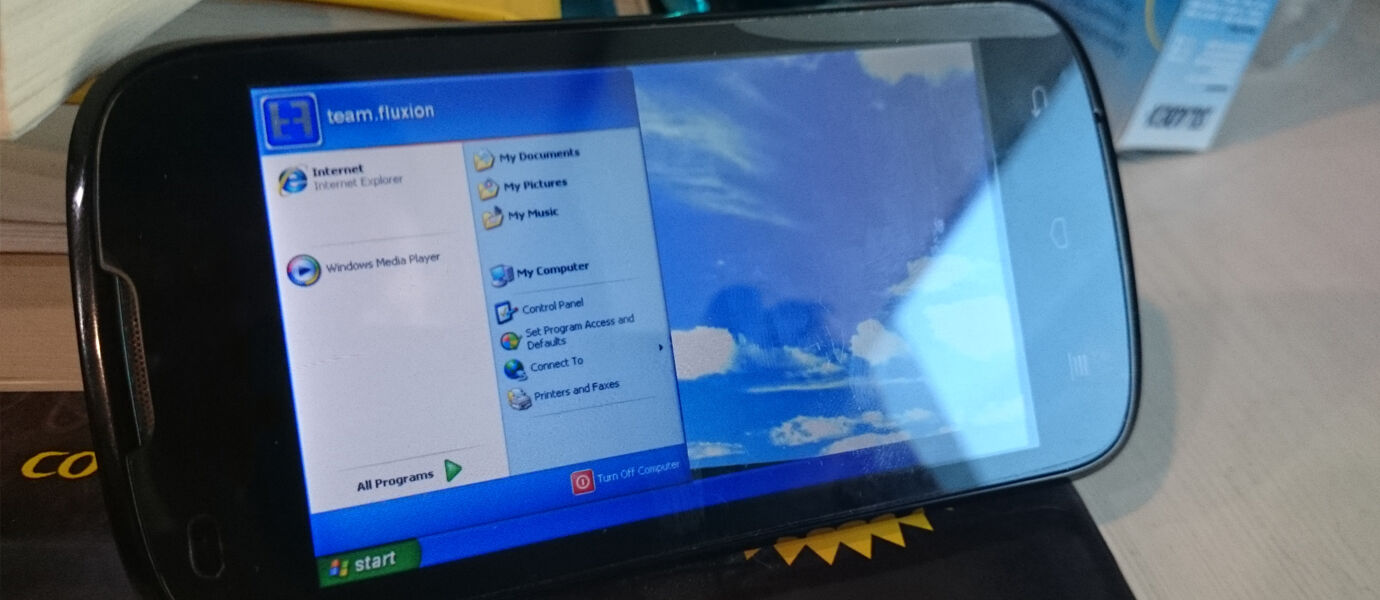
As we know, even though it was 'dead', but at least there are still 20% of computers in the world are still using Windows XP. Well, for a nostalgic, we want to share ways to make yourAndroid smartphone can be transformed into Windows XP.
All are similar, ranging from the Desktop.
Then there is the Start Menu display is also loh ...
And do not forget My Computer, with this feature you can browse the entire contents of the system and your Android SD Card.
How, interesting is not it? Actually no significant function in this application. XP ModLauncher only make us reminisce only with Windows XP on Android. For you who are curious and want to try it, please download and install XP Mod Launcher on your Android.
Download XP Mod Launcher Here
HOW TO OVERCOME THE WASTEFUL ANDROID BATTERY

Feeling battery or storage space on your Android phone quickly exhausted? probably one of the 10 applications in this list. The list drawn up by AVG concerned. The security firm reveal what applications are most voracious battery power and storage on Android smartphones. Research results are tested AVG 200 million Android phones that shows the Facebook application as one that is greedy of battery power, while the Chrome browser app from Google was also wasteful of storage. According to AVG, most applications that consume a lot of battery power runs when Android devices are activated, are Facebook, Google Play Services, and Facebook Page Managers. Other applications are consuming the most battery power is fuel, Instagram, Facebook messenger, and chat applications Samsung ChatOn. While in the category of applications that are run by the users themselves, Snapchat is in the first position for the affairs of greedy power.then Amazon UK shopping app, Spotify, and LINE. Samsung WatchOn (video), Netflix, and Clean Master were also included in the category of applications is wasteful batteries according to AVG, as can be seen in the table below.
In the event that the application is wasteful of storage space at startup, AVG mention Facebook, Instagram, Facebook Page Managers, and Google Play Services in it. In addition there is Skype, Google Search, words with Friends, Tango, and We Chat While the application is wasteful of storage space which is run by the user himself is Spotify Music, followed by Chrome, Aillis, Line, SoundCloud, TripAdvisor, and Snapchat. AVG testing the application using Cleaner AVG and AVG antivirus for Android.
8 WAYS TO MAKE SMARTPHONE SCREEN SCRATCHED SO NEW AGAIN

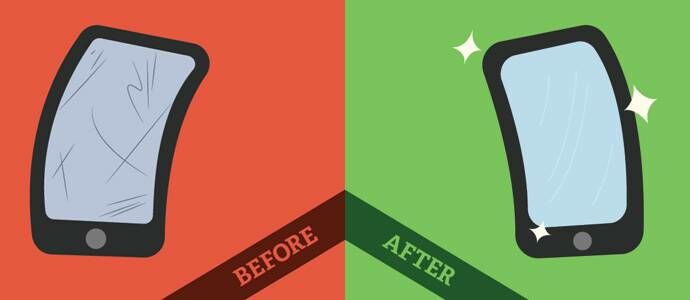
Perhaps you've unknowingly put you carelessly smartphone and makes the smartphonescreen is scratched. With the smartphone screen scratch, of course, will reduce thesensitivity and the sexiness of your smartphone.
To remove scratches on the smartphone screen and make new smartphone screen intoanother, you can use the following methods:
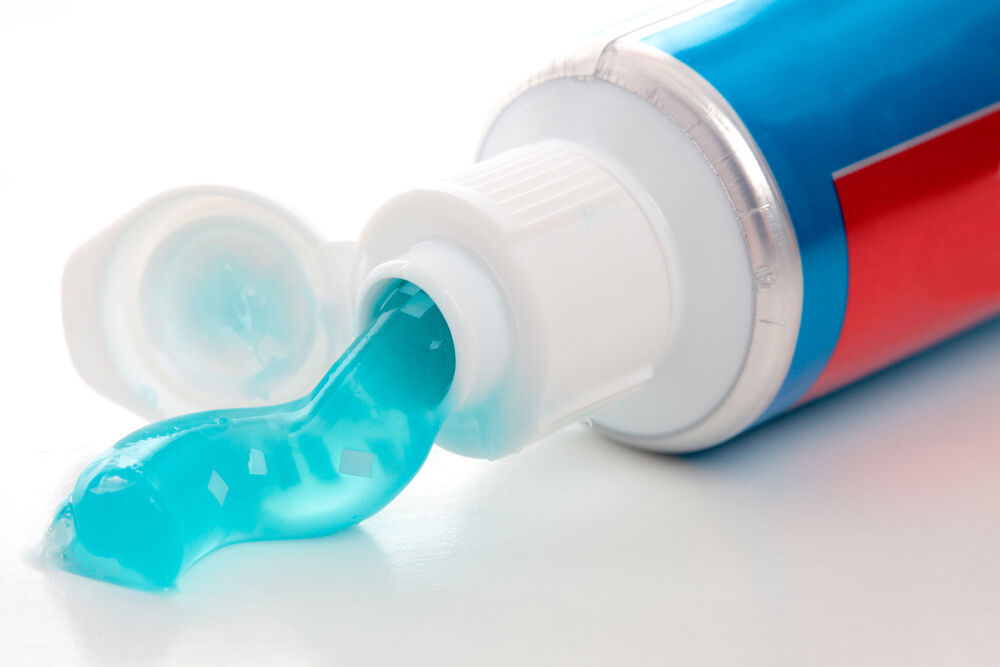
toothpaste

Take a little toothpaste or toothpaste and put on cotton or tissue. Rub gently until thescratches disappear.
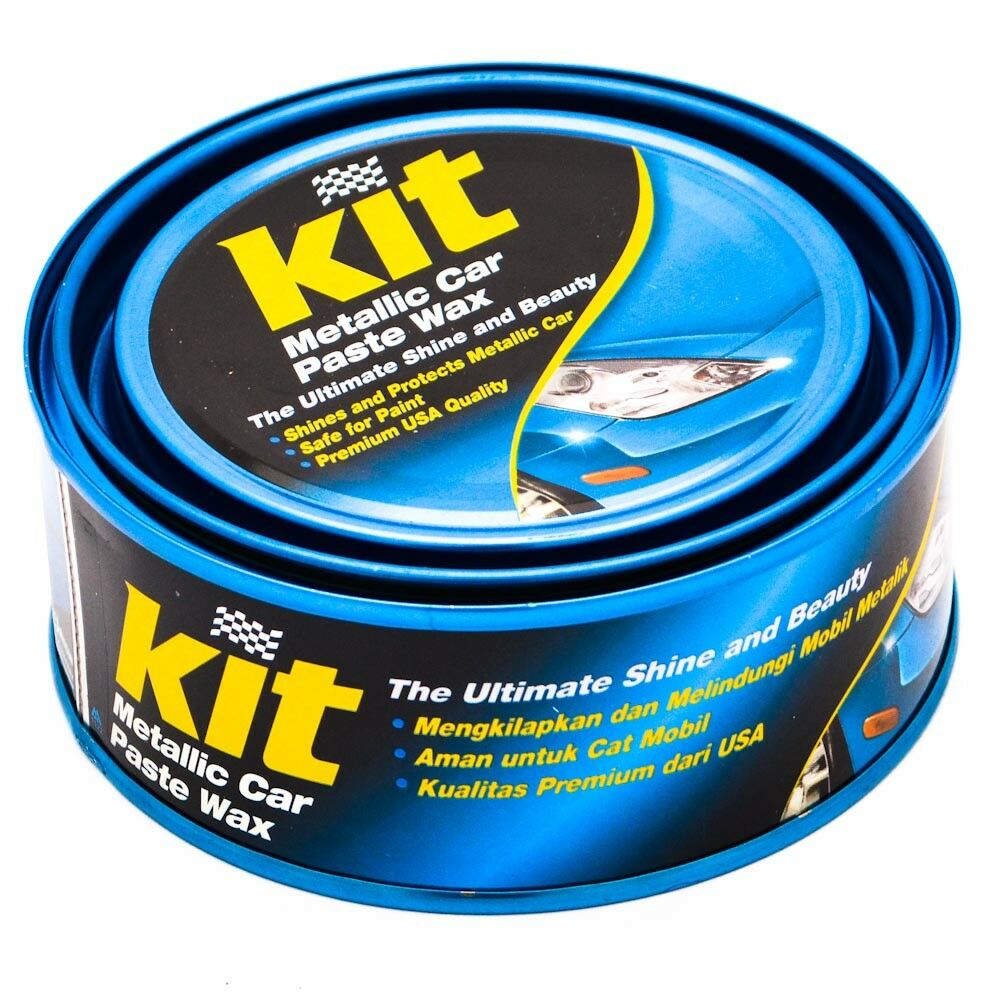
Cream Cleanser for Car or Motorcycle

Enlarge
Collapse
There is already a wide range of car cleaning scratches that can be used. This scratcheffective cleaners to clean scratches on the smartphone screen. How to clean is to wipe asyou wipe your car or motorcycle
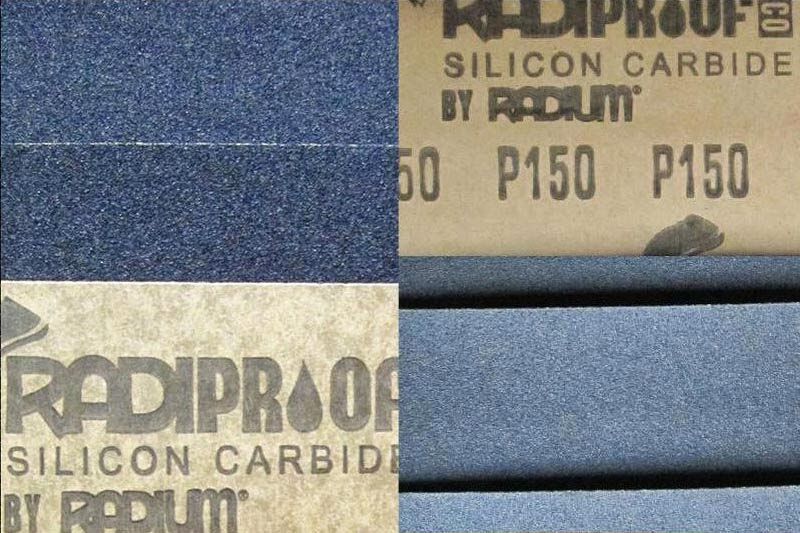
paper sandpaper

Sandpaper effective enough to remove scratches on the back of the smartphone screen. Do not use coarse sandpaper, but use a very fine sandpaper. Make sure your smartphone made of aluminum or other metals when using sandpaper.
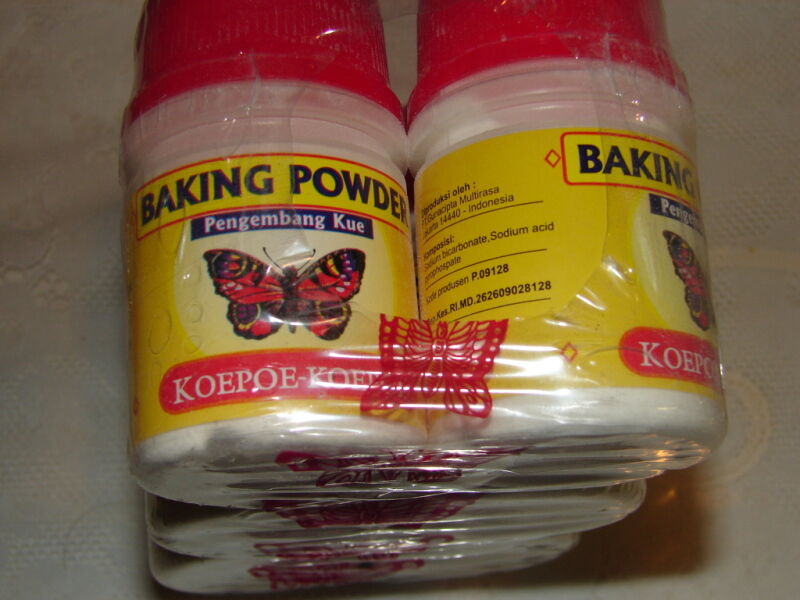
Baking Soda (Soda Cake)

How to use baking soda is by mixing two parts of baking soda and one part water and stir until Markowitz pasta. If the paste is formed, stick to the smartphone scratched. After that,clean the smartphone with a soft cloth and clean.
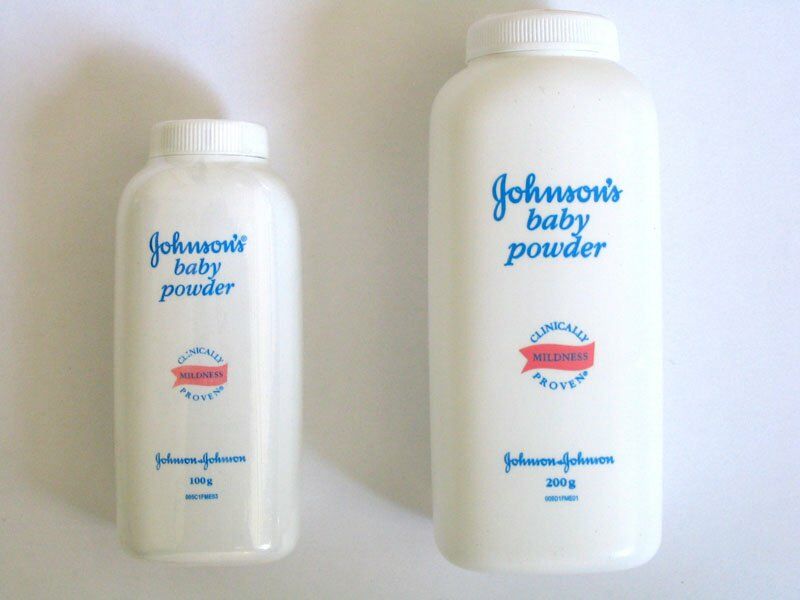
Baby powder

How to use baby powder is not much different with baking soda. Make a paste first, thenpressed on the smartphone scratched.
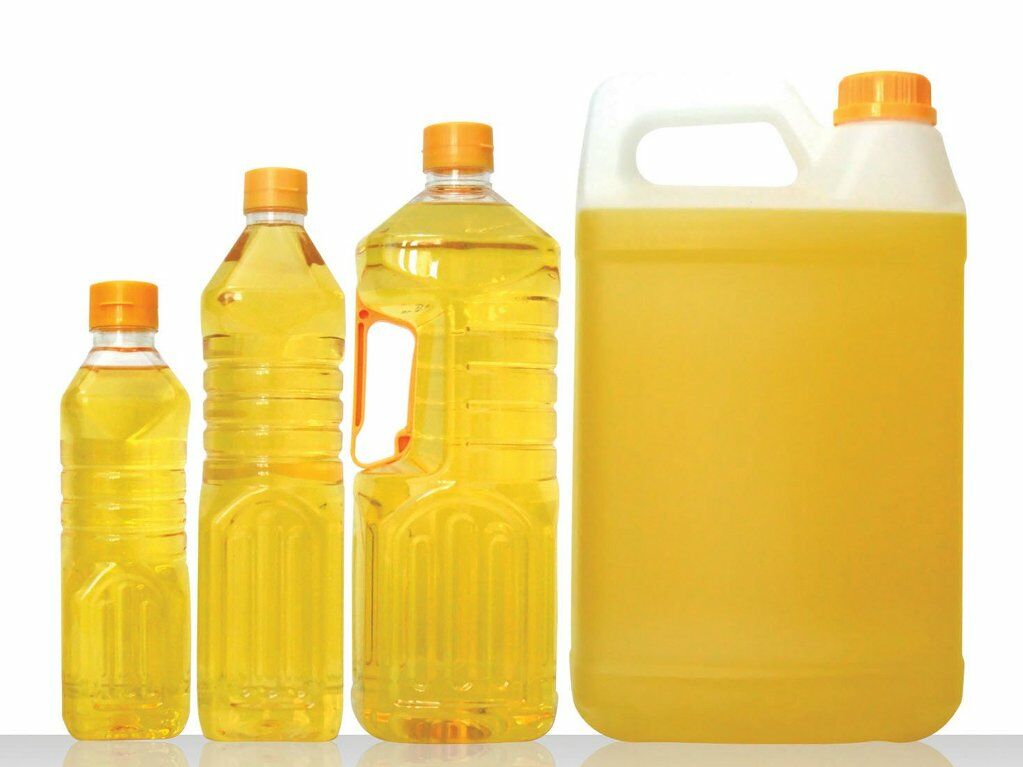
Vegetable Oil

Simply use one drop of vegetable oil in a scratched, then wipe with a rag.
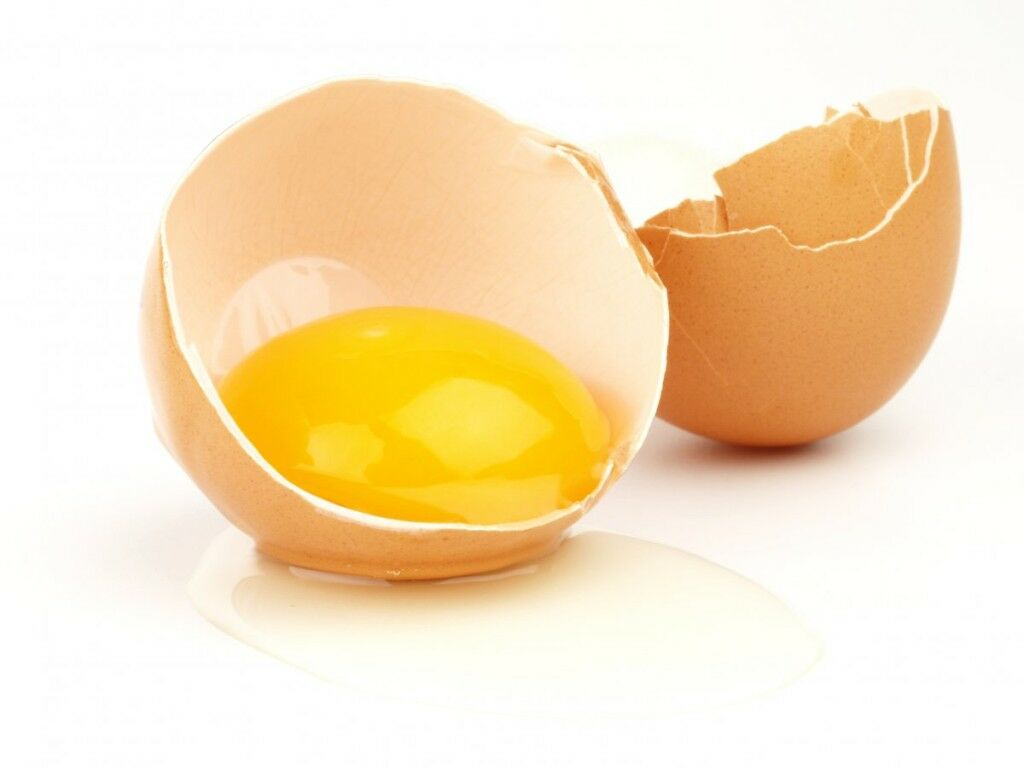
Eggs and Pottasium Aluminum Sulfate

This method is quite difficult and rather long. The trick is to mix both ingredients, then heated to a temperature of 150 degrees Fahrenheit it mencapa or 65 degrees Celsius. This method is complex and time required until 48 hours (2 days).
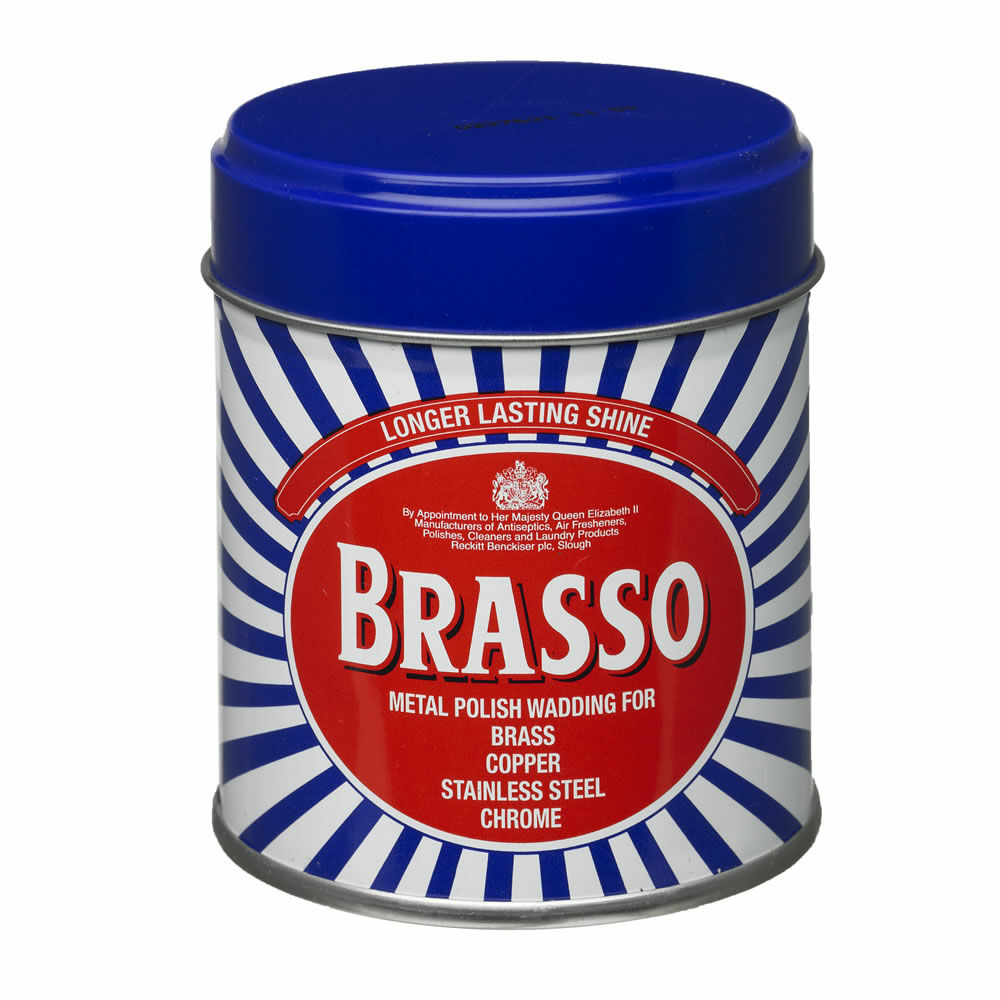
Iron and Glass polishing

Brasso and Silvo is one brand polished steel and glass are the most numerous and powerful enough to use. To use, simply wipe the parts that are scratched with a soft cloth and clean.
That's the things you can do to make your screen into a new Android smartphone. Good luck!
Langganan:
Komentar (Atom)